Take the tour
Click around your AI team's control room.
Every PureAI comes with its own private dashboard at yourcompany.pureai.cloud. Its main screen, the Dashboard, is where you watch the work happen. You can also set up agents and see what Laya knows.
Watch who is working on what. Every job gets its own card showing which specialist has it now and who worked on it before. Press Stop at any time.
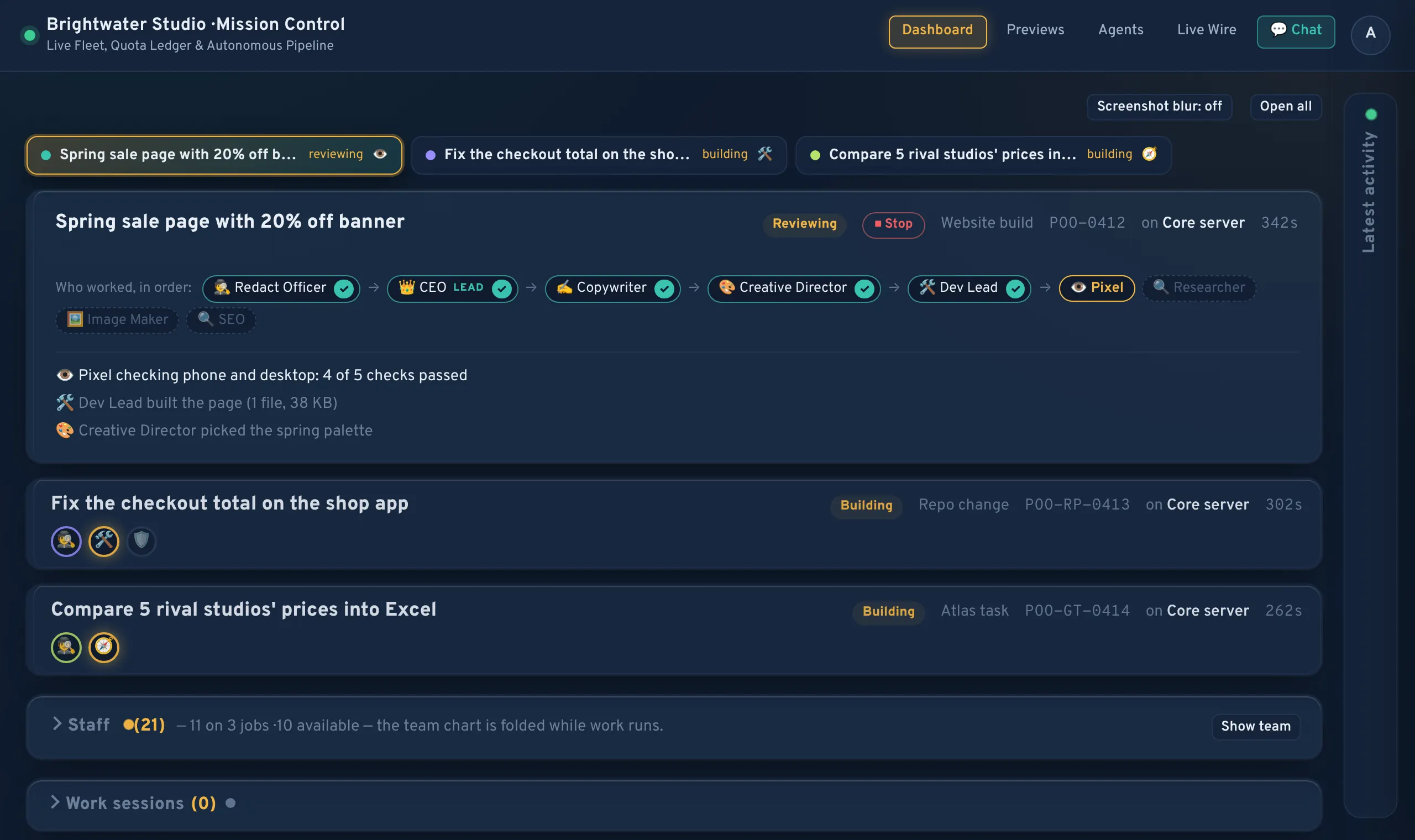
A working copy of the real screens from a test install. Click around: chat, agents, previews and settings all open. The business and its jobs are made up, and nothing you do is saved.
Next
Try it on a real job.
Free on your own computer, or 10 days free on our server. No card.